
Admin Panel in Modern Software Systems: A Technical & Strategic Guide for Businesses (2026)
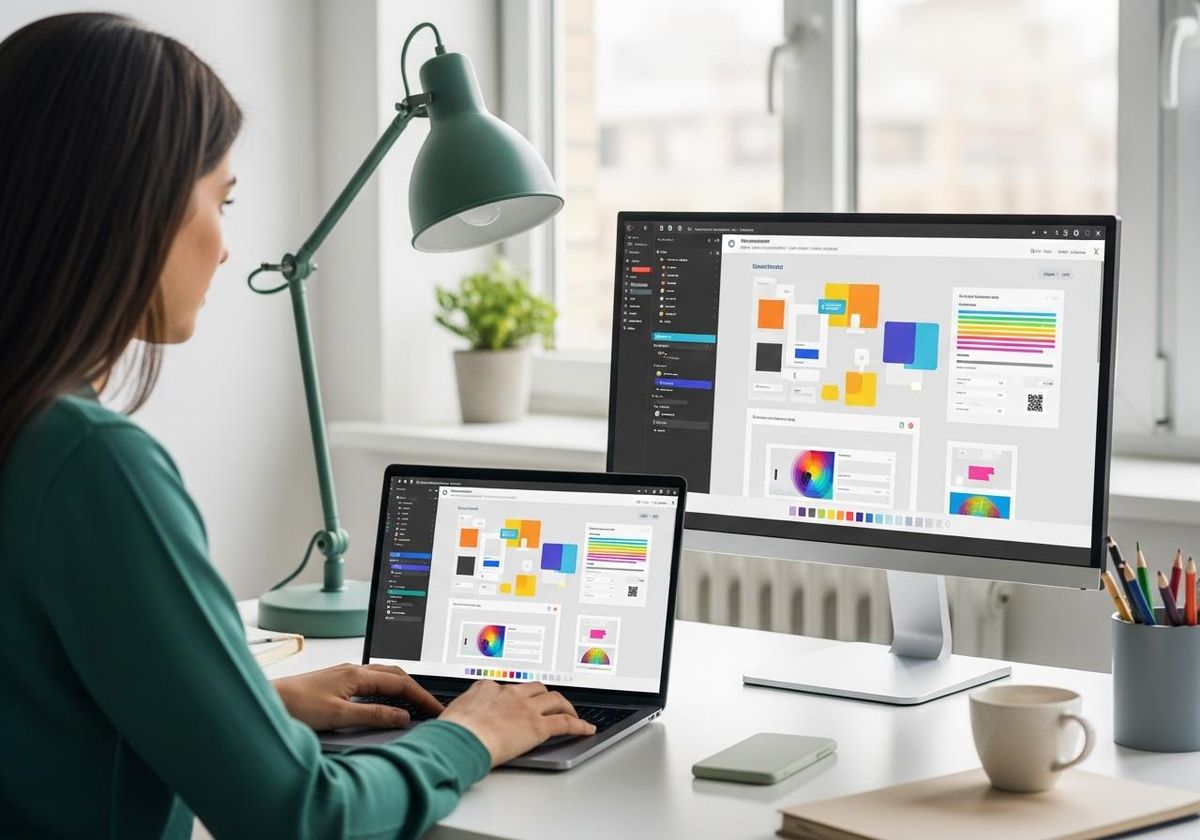
As businesses adopt digital systems across operations whether LMS, HRMS, ERP, or SaaS platforms the need for centralized control becomes critical. This is where an admin panel plays a foundational role. It acts as the command center through which businesses manage users, data, permissions, workflows, and system behavior.
In growing tech ecosystems like Pune, Mumbai, and across India, organizations are no longer building software without robust admin interfaces. However, many still treat admin panels as simple backend screens rather than core operational control systems.
This guide explains admin panels from a technical architecture and product strategy perspective, helping businesses design scalable, secure, and efficient backend systems.
What Is an Admin Panel and Why It Matters
An admin panel is a backend interface used by administrators to manage and control a software application. It provides access to system configurations, user management, analytics, and operational workflows.
While end users interact with the front-end interface, administrators rely on the panel to:
- Monitor system performance
- Manage users and roles
- Configure workflows
- Access reports and analytics
In modern applications, the admin panel is not optional it is essential for operational control and scalability. Implementation depth often parallels broader software engineering investments for SaaS and internal platforms.
Admin Panel Architecture: How It Works
A well-designed admin panel is built using layered architecture:
- Backend Services Layer
Handles business logic, APIs, authentication, and data processing.
- Database Layer
Stores structured data such as users, transactions, logs, and configurations.
- Interface Layer (Admin UI)
The visible dashboard that allows administrators to interact with the system.
- Security Layer
Includes authentication systems, role-based access control (RBAC), and encryption mechanisms.
This architecture ensures that the admin panel remains secure, scalable, and efficient.
Dashboard and Admin Panel: Understanding the Difference
Many businesses confuse admin panels with dashboards. While both are related, they serve different purposes.
A dashboard is a visual interface that displays data and insights metrics, reports, and analytics. An admin panel, on the other hand, includes dashboards but also provides control capabilities such as editing data, managing users, and configuring systems.
For example, a dashboard may show sales performance, while the admin panel allows updating product listings or managing orders.
Dashboard Login and Access Control Systems
Secure access is critical in admin panels. The dashboard login mechanism typically includes authentication layers such as:
- Username and password
- Multi-factor authentication (MFA)
- Role-based access control
Different user roles admin, manager, operator have different permissions. This ensures that sensitive operations are restricted to authorized users.
In enterprise systems, advanced access control also includes audit logs and activity tracking.
Role of Admin Panels in LMS and LMP Systems
Admin panels are central to systems like LMS and LMP. While LMS (Learning Management System) manages learning workflows, lmp (often referred to as Learning Management Platform in some contexts) focuses on broader learning ecosystems.
The lmp full form may vary depending on system usage, but in most cases, it represents an extended platform that includes LMS capabilities along with integrations and advanced analytics.
In both LMS and LMP environments, admin panels are used to:
- Manage users and courses
- Track performance
- Configure learning paths
- Generate reports
Without a strong admin panel, these systems lose operational efficiency.
See our guides on LMS software in India and HRMS for how operations and workforce data converge with centralized control planes.
Key Features of a Modern Admin Panel
A scalable admin panel includes:
- User management system
- Role-based access control
- Real-time analytics dashboards
- Data management interfaces
- Integration capabilities
- Logging and monitoring systems
The goal is to provide full control without compromising usability.
Technical Considerations in Admin Panel Development
Building an admin panel requires careful technical planning. Key considerations include:
- API-driven architecture for scalability
- Responsive UI for multi-device access
- Secure authentication and authorization
- Optimized database queries for performance
- Modular design for future expansion
Ignoring these factors leads to performance issues and security risks.
Cost and Development Complexity
Admin panel development cost depends on:
- System complexity
- Number of features
- Integration requirements
- Security level
Basic panels can be developed quickly, but enterprise-grade admin systems require significant planning and development effort.
However, investing in a strong admin panel reduces long-term operational costs and improves efficiency.
Real Business Scenarios
A SaaS startup in Pune developed a scalable admin panel that allowed real-time customer management and analytics, improving operational efficiency.
An enterprise in Mumbai integrated admin controls across ERP and HRMS systems, enabling centralized decision-making.
In contrast, systems without proper admin panels often rely on manual interventions, leading to inefficiencies.
Common Mistakes in Admin Panel Design
Many businesses underestimate admin panel importance and make critical mistakes:
- Overloading UI with unnecessary features
- Weak access control systems
- Poor performance optimization
- Lack of scalability planning
An admin panel should be designed as a core system component, not an afterthought.
Why Strategic Design Matters
Admin panels directly impact how efficiently a business operates its digital systems. A poorly designed panel slows down operations, while a well-designed one enhances productivity.
At Febstone, admin panels are designed with:
- Business workflow alignment
- Scalable architecture
- Security-first approach
- Integration readiness
Tech consulting helps align admin UX, security review, and release processes before you scale teams and tenants.
Conclusion
Admin panel is the backbone of modern software systems. From managing users to controlling operations and analyzing performance, it plays a critical role in business scalability.
For startups, SMEs, and enterprises across Pune, Mumbai, and India, investing in a well-structured admin panel ensures long-term operational efficiency and control.
With Febstone's consulting-led approach, businesses can build admin systems that are secure, scalable, and aligned with their growth strategy.
Get Expert Admin Panel Development Support
Email: info@febstone.com
Our experts help you design and develop scalable admin panels tailored to your business systems.
FAQ
1. What is an admin panel?
An admin panel is a backend interface used to manage and control software applications.
2. What is the difference between dashboard and admin panel?
A dashboard displays data, while an admin panel allows control and management of the system.
3. What is dashboard login?
It is a secure authentication system used to access admin dashboards.
4. What is LMP full form?
LMP often stands for Learning Management Platform depending on context.
5. Why is admin panel important?
It enables centralized control, improves efficiency, and ensures system scalability.